
How install Laravel Countries?

🚀 Getting Started
Install the package quickly via Composer:
sh
composer require lwwcas/laravel-countriesAnd get started with Artisan
sh
php artisan w-countries:install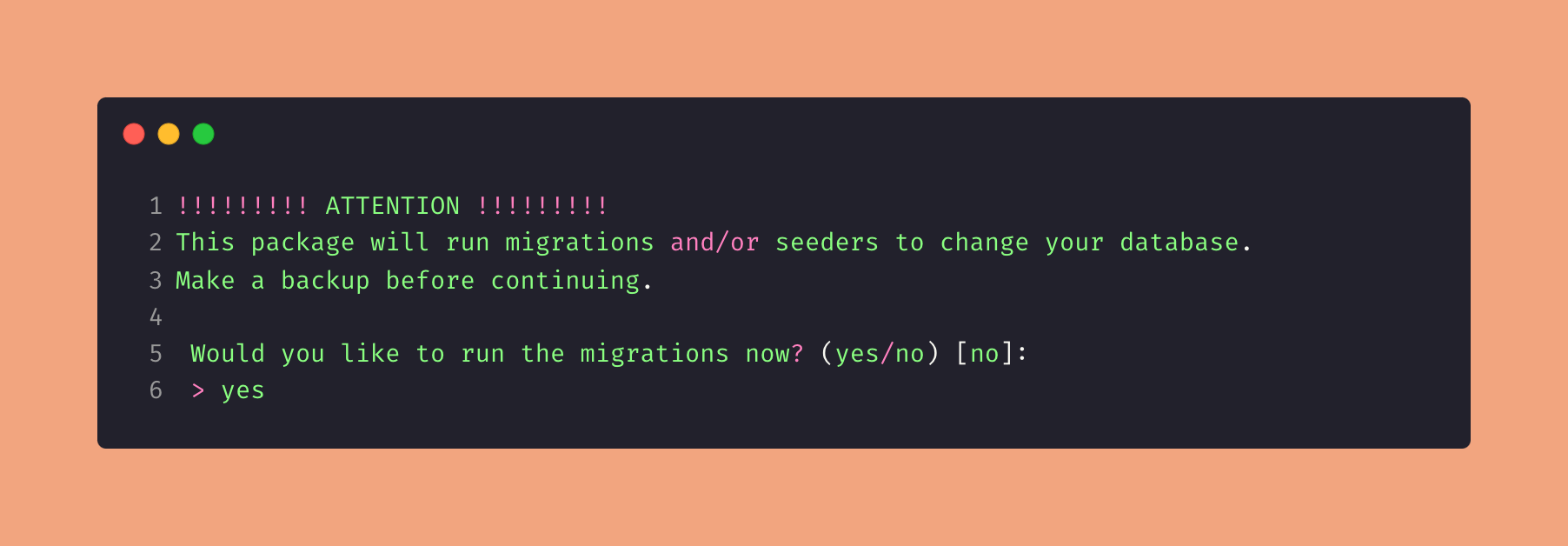
After the structure is fully set up, you can choose which languages you want to install
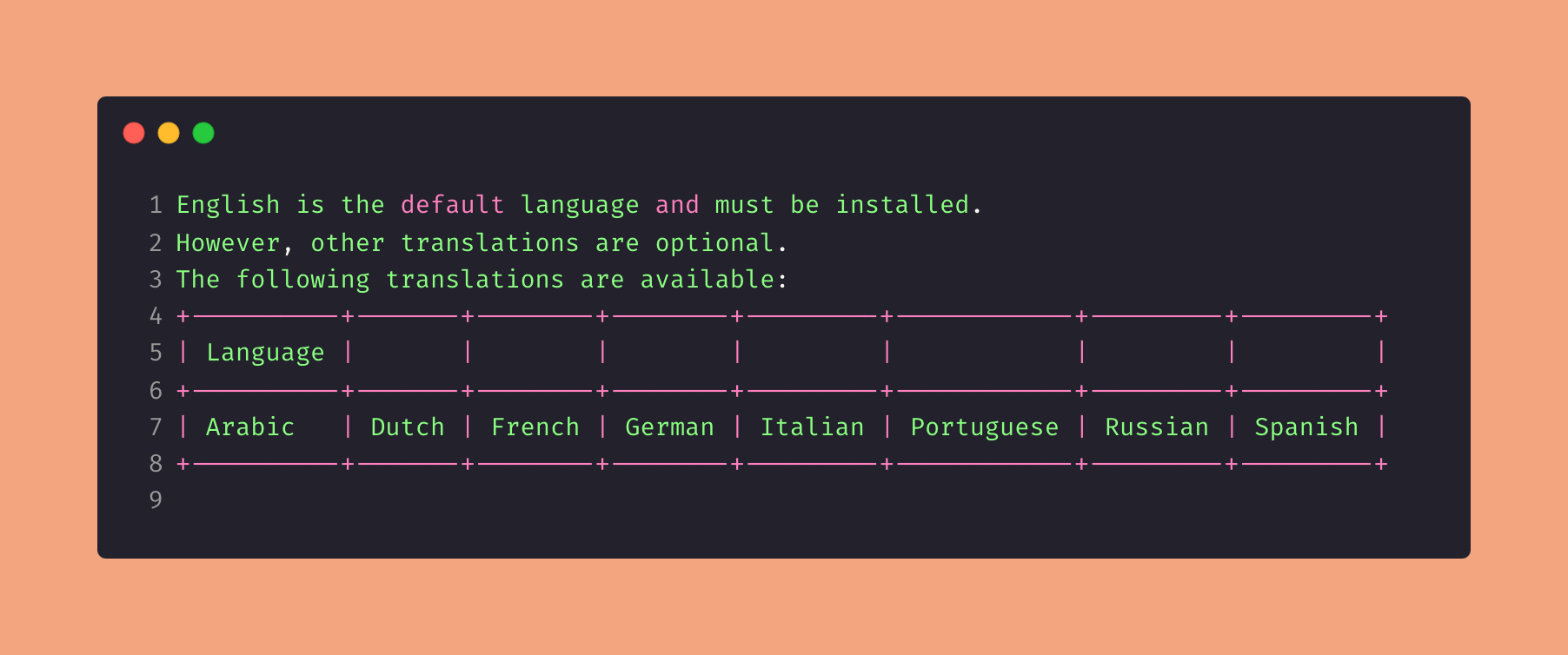
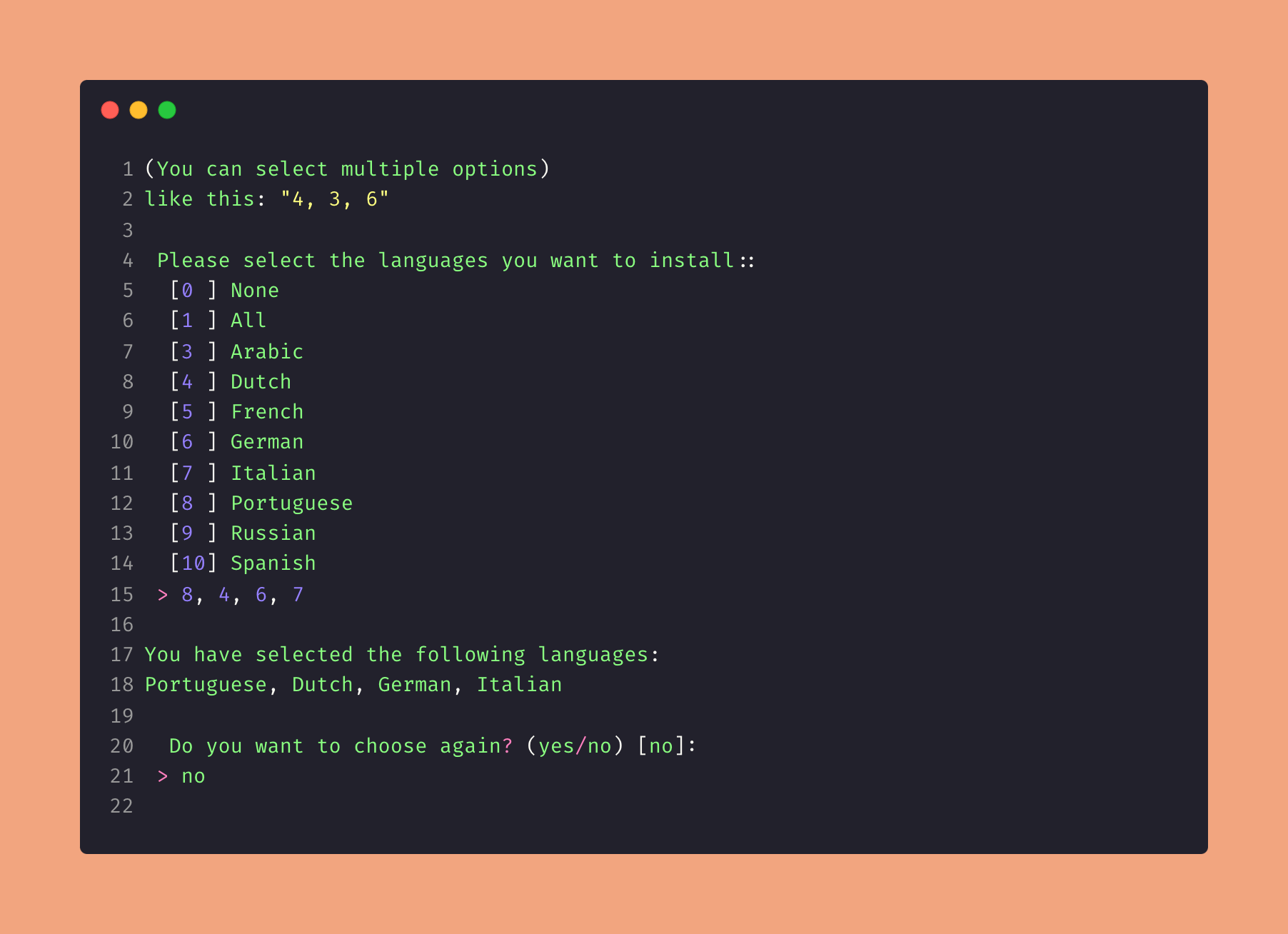
And that's it!
Now you're ready to create something incredible
Production deployment
When deploying to production (Laravel 11, 12, or 13), use --force so migrations and seeders run without interactive prompts:
sh
php artisan w-countries:install --force --languages=en,pt,esIf migrations already ran during your deploy pipeline, seed the data separately:
sh
php artisan w-countries:seed --languages=en,pt,esFor the full list of manual db:seed commands, run:
sh
php artisan w-countries:seed --show-commandsSee the Seeders guide for all options and seeder class names.
For details on how to install or uninstall languages, check out the Languages section Here.